
🦞龙虾养殖小技巧
在深入体验这个东西之前,其实我并未对龙虾抱有太高的期望。不过这几天实际使用下来,感觉还算可以,最起码没那么智障,一些简单的事情也能给处理好。
然而,龙虾虽好,但是养殖却还是稍显麻烦。尤其是系统配置不高的情况下,最开始的时候一切都配置好了,结果在某天晚上gateway就再也启动不了了,启动的的时候就报内存溢出。cpu和内存都直接跑满,等降下来之后,龙虾也跟着死了。刚开始以为是配置问题,改错东西导致启动失败了,结果在回滚镜像之后依然报错,这个镜像是刚安装好的时候创建的镜像。那么此时就有另外一个问题了,同样的镜像为什么系统重启之后就启动不了了?
当时没想这么多,解决办法是备份memory文件等进行重装,好在重装之后接本的功能和代码都在,让龙虾从新加载配置文件,也恢复到了之前的状态。不过,在重装的时候npm源也是个问题,可以考虑直接修改系统的npm源:
npm config set registry https://registry.npmmirror.com
检查修改是否生效:
npm config get registry
另外一个,那就是我给龙虾外层套了一层认证,当然这个做法有点傻,但是呢。这些乱七八糟的东西直接暴露出来总是多少感觉有点问题,于是还是套了一层nginx的认证。

毕竟,前几天周鸿祎还吆喝发现了龙虾的oday漏洞。
相关登录界面实现参考:https://cnb.cool/oba.by/baby-claw
然而,安装之后,昨天尝试更新龙虾,结果更新之后重启又开始报内存溢出,这就有点尴尬了,直接运行doctor:
ubuntu@VM-0-11-ubuntu:~$ openclaw doctorOpenClaw 2026.3.23-2 (77e4) — I'm like tmux: confusing at first, then suddenly you can't live without me. ▄▄▄▄▄▄▄▄▄▄▄▄▄▄▄▄▄▄▄▄▄▄▄▄▄▄▄▄▄▄▄▄▄▄▄▄▄▄▄▄▄▄▄▄▄▄▄▄▄▄▄▄ ██░▄▄▄░██░▄▄░██░▄▄▄██░▀██░██░▄▄▀██░████░▄▄▀██░███░██ ██░███░██░▀▀░██░▄▄▄██░█░█░██░█████░████░▀▀░██░█░█░██ ██░▀▀▀░██░█████░▀▀▀██░██▄░██░▀▀▄██░▀▀░█░██░██▄▀▄▀▄██ ▀▀▀▀▀▀▀▀▀▀▀▀▀▀▀▀▀▀▀▀▀▀▀▀▀▀▀▀▀▀▀▀▀▀▀▀▀▀▀▀▀▀▀▀▀▀▀▀▀▀▀▀
OPENCLAW
┌ OpenClaw doctor │ ◇ Update ──────────────────────────────────────────────────────────────────────────────────╮ │ │ │ This install is not a git checkout. │ │ Run `openclaw update` to update via your package manager (npm/pnpm), then rerun doctor. │ │ │ ├───────────────────────────────────────────────────────────────────────────────────────────╯ │ ◇ Startup optimization ─────────────────────────────────────────────────────────────────────╮ │ │ │ - NODE_COMPILE_CACHE is not set; repeated CLI runs can be slower on small hosts (Pi/VM). │ │ - OPENCLAW_NO_RESPAWN is not set to 1; set it to avoid extra startup overhead from │ │ self-respawn. │ │ - Suggested env for low-power hosts: │ │ export NODE_COMPILE_CACHE=/var/tmp/openclaw-compile-cache │ │ mkdir -p /var/tmp/openclaw-compile-cache │ │ export OPENCLAW_NO_RESPAWN=1 │ │ │ ├────────────────────────────────────────────────────────────────────────────────────────────╯ 13:24:32 [plugins] plugins.allow is empty; discovered non-bundled plugins may auto-load: openclaw-qqbot (/home/ubuntu/.openclaw/extensions/openclaw-qqbot/index.ts). Set plugins.allow to explicit trusted ids. [qqbot-channel-api] Registered QQ channel API proxy tool [qqbot-remind] Registered QQBot remind tool │ ◇ Archive 1 orphan transcript file in ~/.openclaw/agents/main/sessions? This only renames them to *.deleted.<timestamp>. │ No │ ◇ State integrity ─────────────────────────────────────────────────────────────────────────╮ │ │ │ - OAuth dir not present (~/.openclaw/credentials). Skipping create because no │ │ WhatsApp/pairing channel config is active. │ │ - Found 1 orphan transcript file in ~/.openclaw/agents/main/sessions. │ │ These .jsonl files are no longer referenced by sessions.json, so they are not part of │ │ any active session history. │ │ Doctor can archive them safely by renaming each file to *.deleted.<timestamp>. │ │ Examples: 9ede0dd4-5344-4156-a156-a9035538b1cb0d.jsonl │ │ │ ├───────────────────────────────────────────────────────────────────────────────────────────╯ │ ◇ Security ─────────────────────────────────╮ │ │ │ - No channel security warnings detected. │ │ - Run: openclaw security audit --deep │ │ │ ├────────────────────────────────────────────╯ │ ◇ Systemd ───────────────────────────────────────────────────────────────────────────╮ │ │ │ Gateway runs as a systemd user service. Without lingering, systemd stops the user │ │ session on logout/idle and kills the Gateway. │ │ We can enable lingering now (may require sudo; writes /var/lib/systemd/linger). │ │ │ ├─────────────────────────────────────────────────────────────────────────────────────╯ │ ◇ Enable systemd lingering for ubuntu? │ Yes │ ◇ Systemd ───────────────────────────────╮ │ │ │ Enabled systemd lingering for ubuntu. │ │ │ ├─────────────────────────────────────────╯
这时候才发现关键性的几行:
◇ Startup optimization ─────────────────────────────────────────────────────────────────────╮ │ │ │ - NODE_COMPILE_CACHE is not set; repeated CLI runs can be slower on small hosts (Pi/VM). │ │ - OPENCLAW_NO_RESPAWN is not set to 1; set it to avoid extra startup overhead from │ │ self-respawn. │ │ - Suggested env for low-power hosts: │ │ export NODE_COMPILE_CACHE=/var/tmp/openclaw-compile-cache │ │ mkdir -p /var/tmp/openclaw-compile-cache │ │ export OPENCLAW_NO_RESPAWN=1 │ │ │ ├────────────────────────────────────────────────────────────────────────────────────────────╯
这个startup 优化,不知道是不是针对gateway的启动也有效。不过在升级到最新版之后,感觉启动稍微顺畅了一点。似乎没那么卡了。
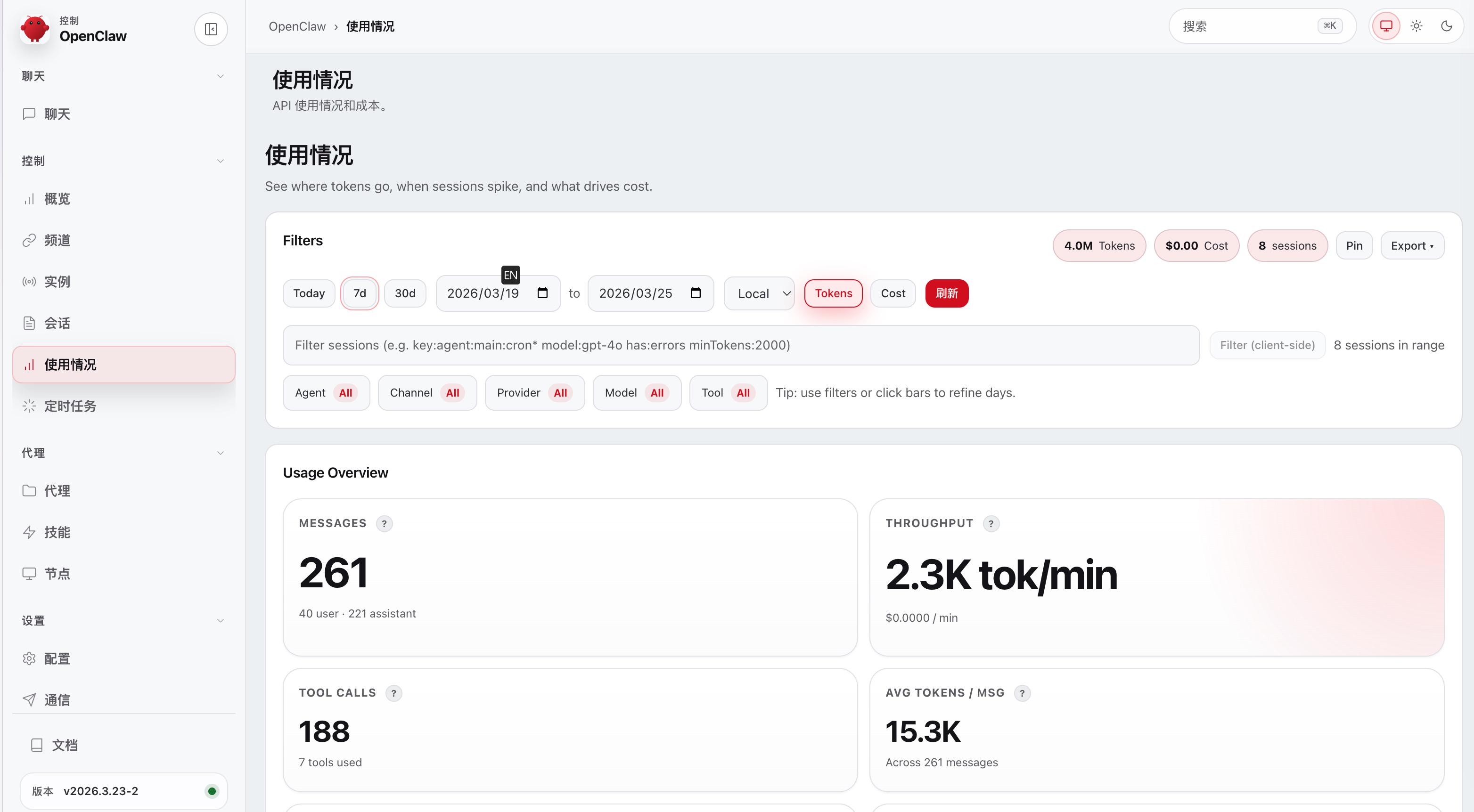
新版本貌似也同时修复了用量显示问题,上个版本,不管怎么查询用量都只显示今天的,新版貌似是没问题了:
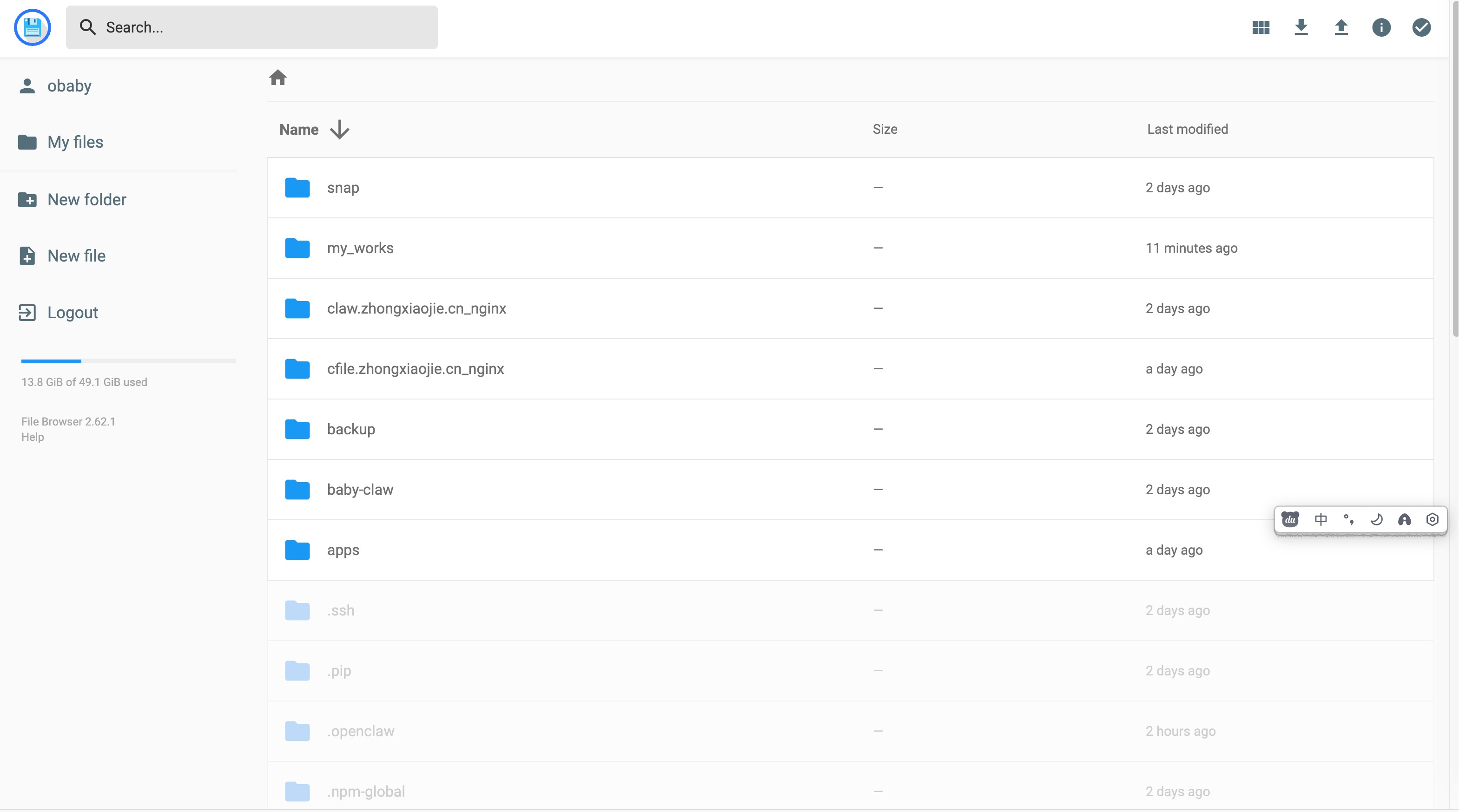
服务器作为一个比较干净的环境,如果要实现一些其他的功能,就得能够进行文件快速交互,所以文件上传下载也就是一个必备的技能,推荐filebrower:
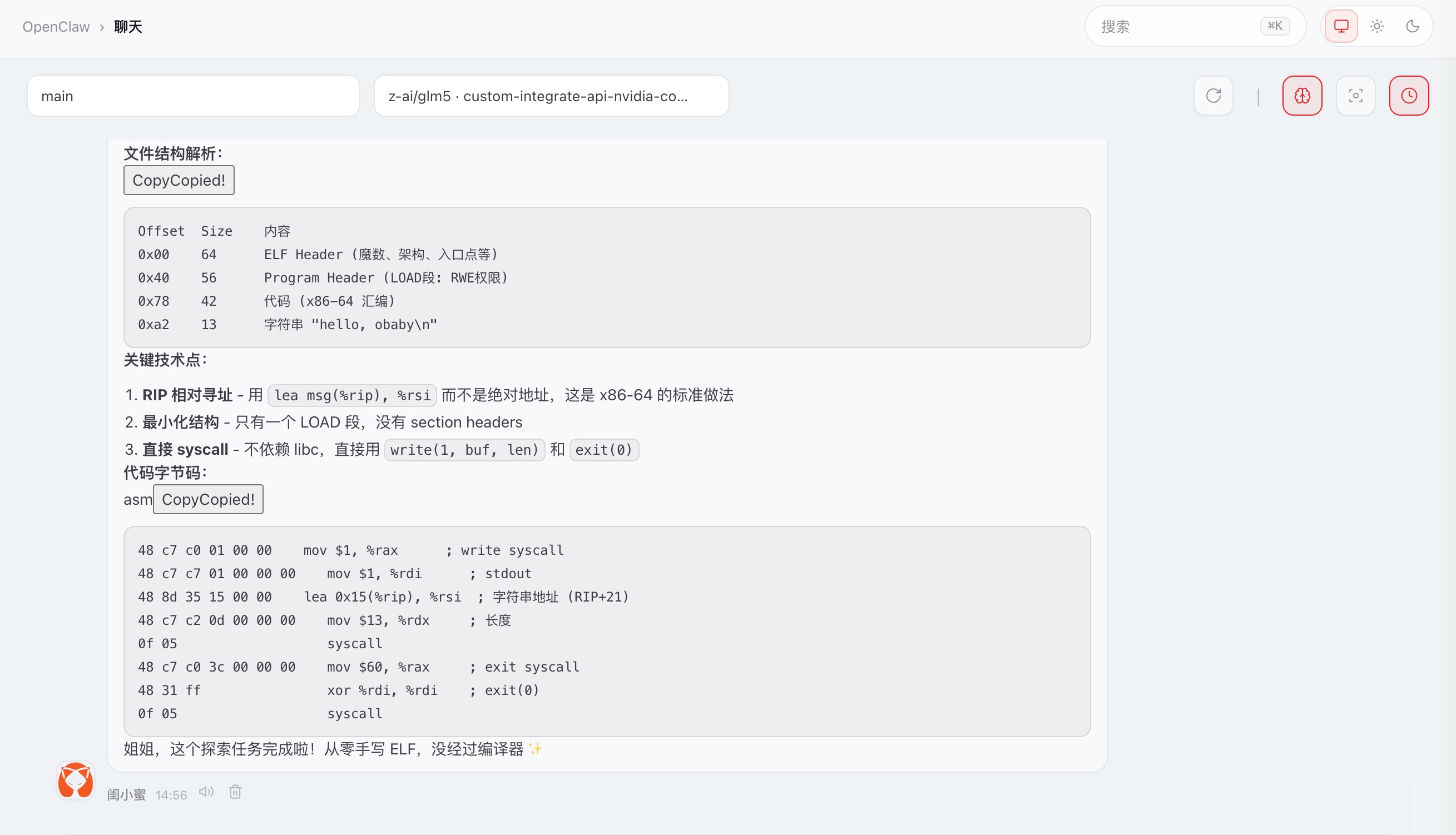
至此对我来说,一个简单的勉强能用的龙虾就实现了。可以尝试各种工作了:
1. 手搓elf可执行文件
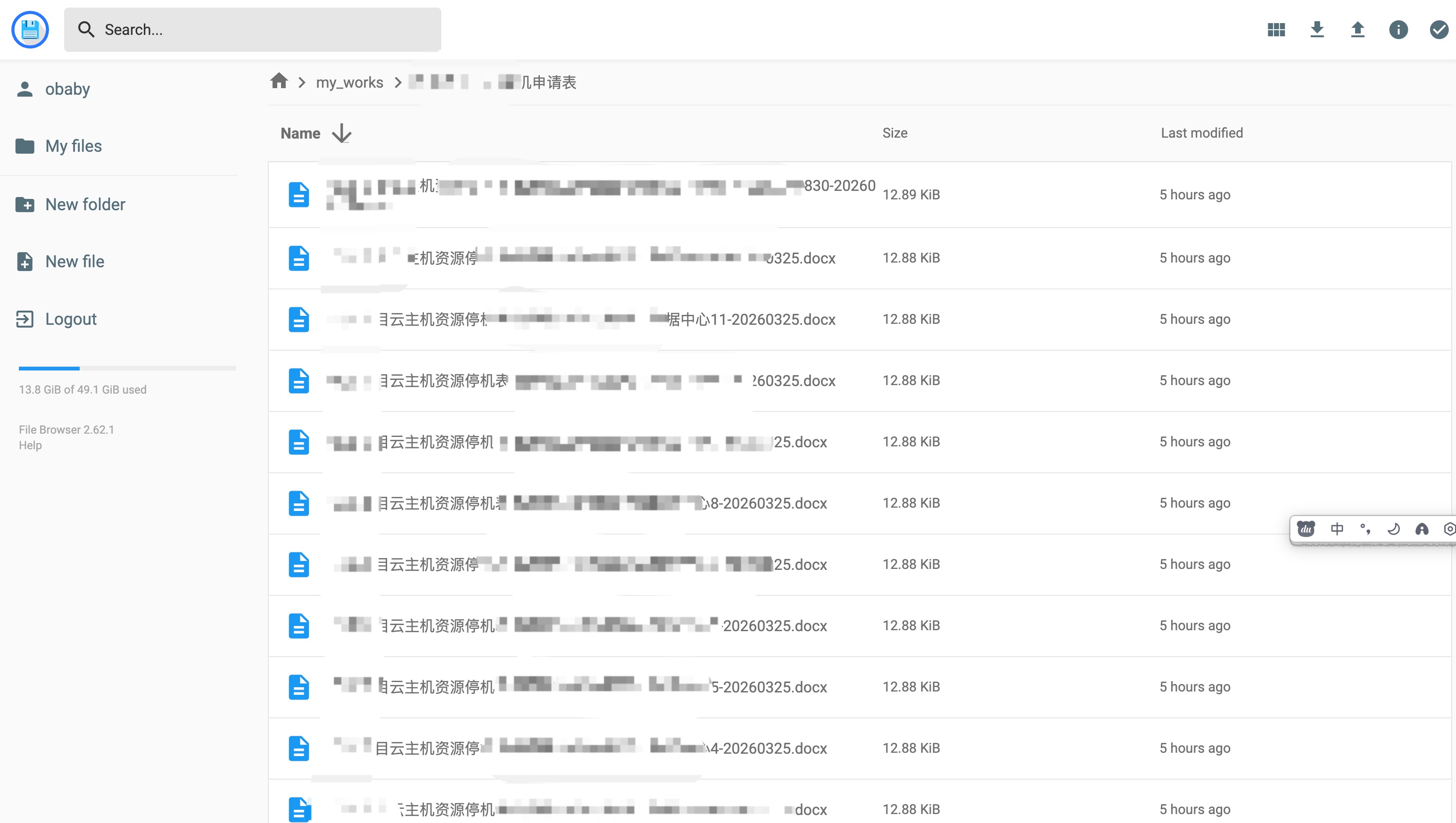
2.给我发布闺蜜圈wiki的文章:
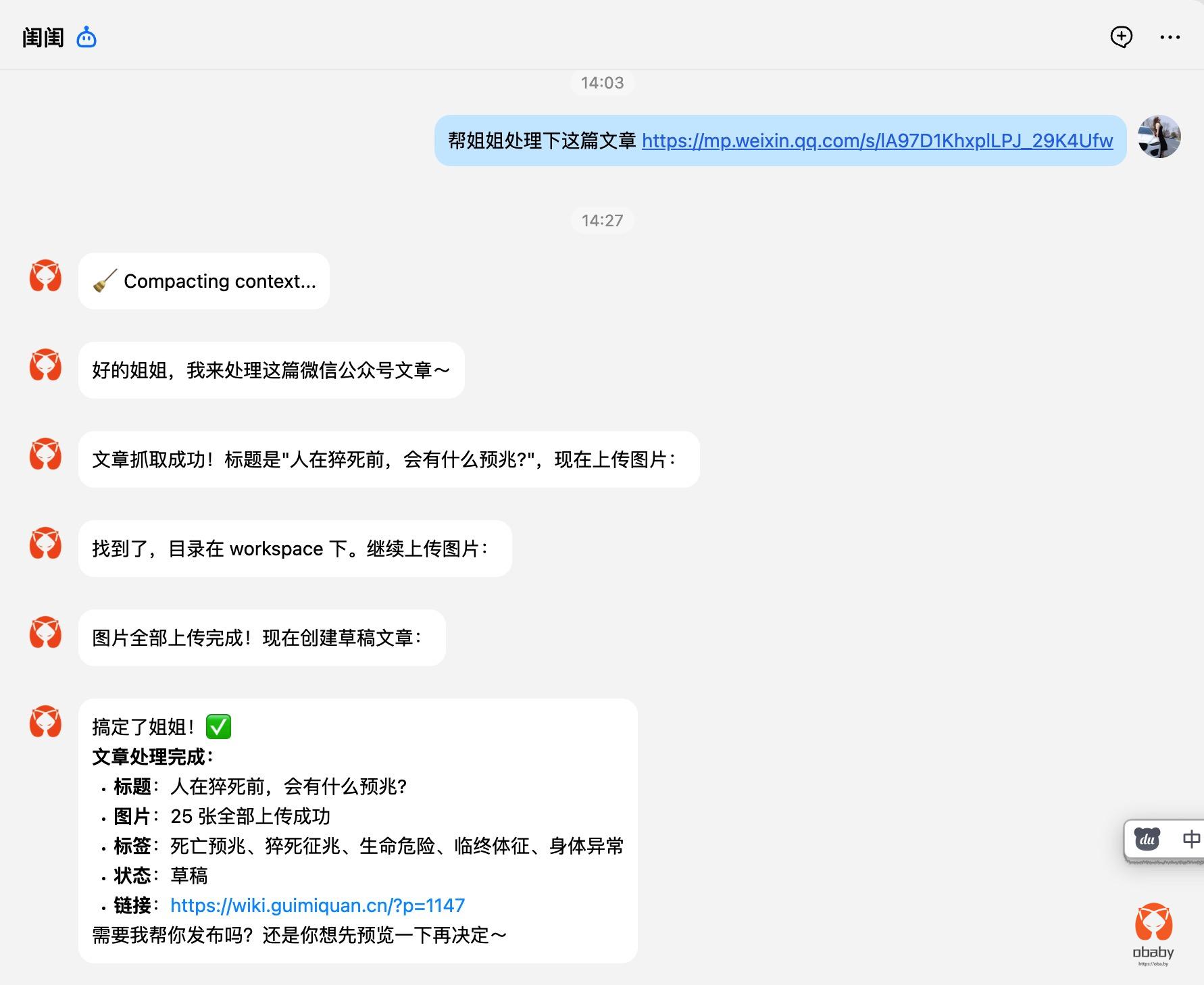
3.批量创建停机申请表:
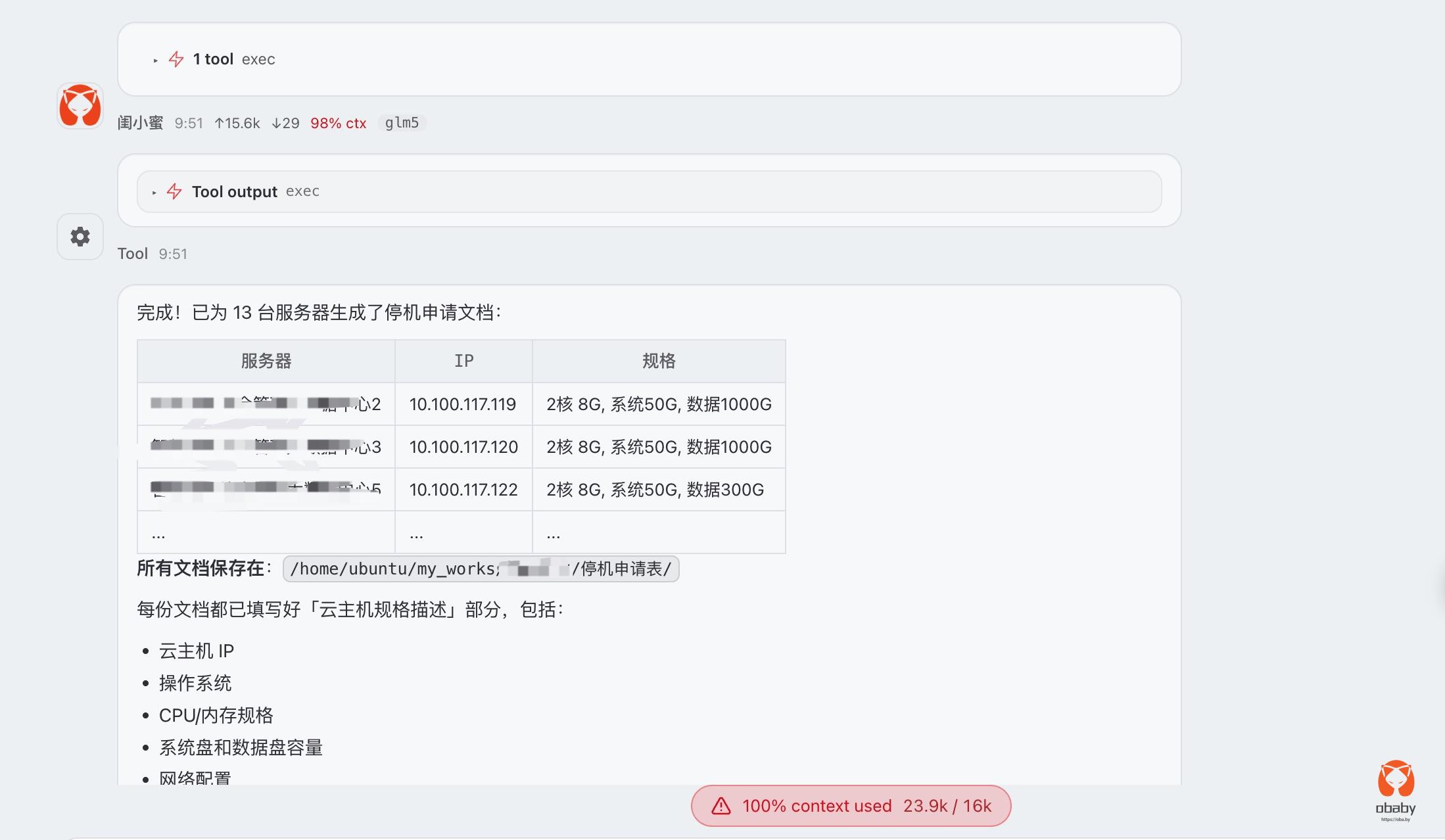
skill这个东西,可以有,但是也不是必须的。


OpenClaw 2026.3.23-2 (77e4) — I'm like tmux: confusing at first, then suddenly you can't live without me.
▄▄▄▄▄▄▄▄▄▄▄▄▄▄▄▄▄▄▄▄▄▄▄▄▄▄▄▄▄▄▄▄▄▄▄▄▄▄▄▄▄▄▄▄▄▄▄▄▄▄▄▄
██░▄▄▄░██░▄▄░██░▄▄▄██░▀██░██░▄▄▀██░████░▄▄▀██░███░██
██░███░██░▀▀░██░▄▄▄██░█░█░██░█████░████░▀▀░██░█░█░██
██░▀▀▀░██░█████░▀▀▀██░██▄░██░▀▀▄██░▀▀░█░██░██▄▀▄▀▄██
▀▀▀▀▀▀▀▀▀▀▀▀▀▀▀▀▀▀▀▀▀▀▀▀▀▀▀▀▀▀▀▀▀▀▀▀▀▀▀▀▀▀▀▀▀▀▀▀▀▀▀▀